Empowerment in Your Pocket. Learn Offline. Seize Opportunities.
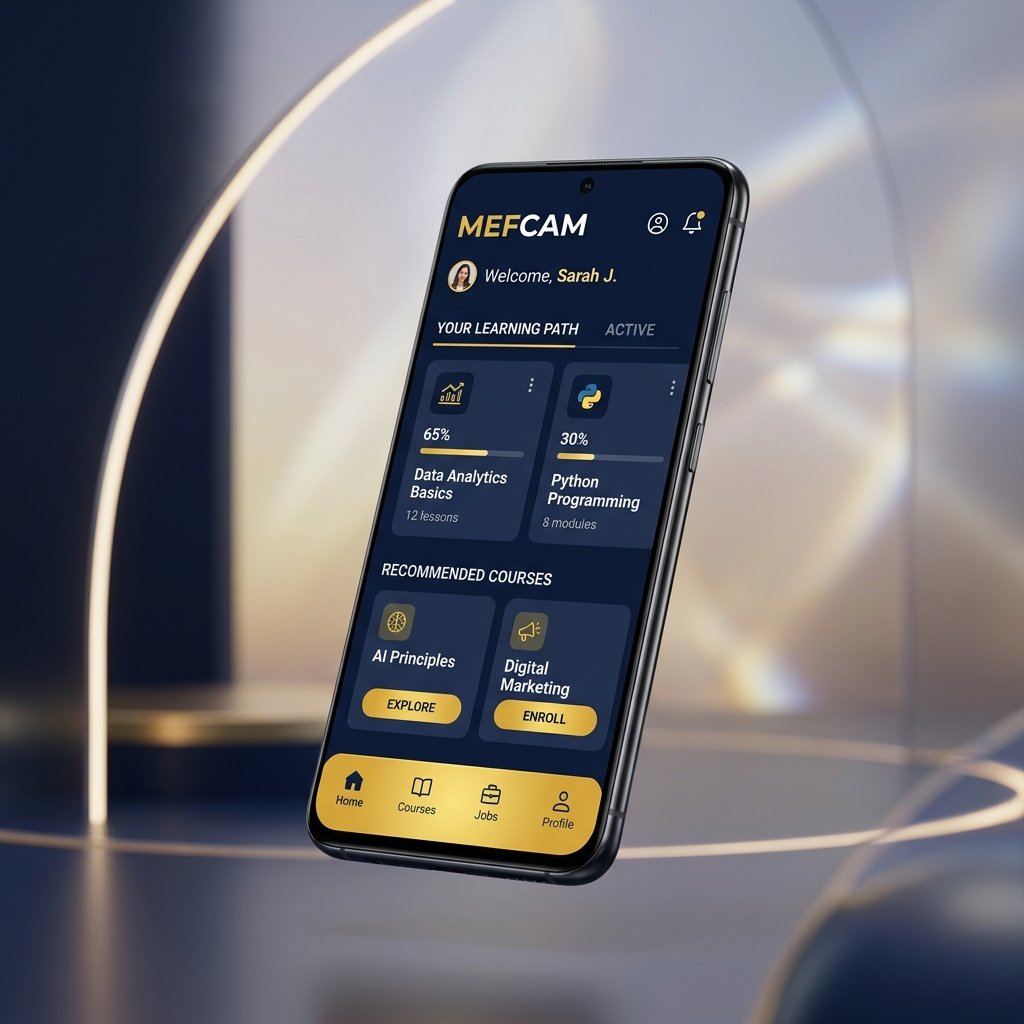
Download the official MEFCAM Android app today. Access 75 practical skill courses with offline caching, receive instant push alerts for high-value grants, and complete micro-payments via MTN MoMo and Orange Money.

Scan Phone Camera
Instant APK DownloadWhy You Need The MEFCAM Mobile App
Built specifically for African bandwidth constraints, device diversity, and micro-payment ecosystems.
Offline Video Lessons
Download course modules when you have access to campus Wi-Fi or night data bundles. Study on the road or in areas with intermittent internet with zero buffering.
Instant Push Alerts
Never miss an urgent grant deadline or hiring call. Our intelligent notification system alerts you the moment opportunities matching your profile are published.
MTN MoMo & Orange Money
Zero credit card required. Seamless 1-tap micro-payments for 1,500 FCFA Mission Support Passes and course enrollments using Cameroon's favorite payment rails.
Certificate Wallet
Store your verified cryptographic completion certificates right on your smartphone. Share verifiable PDF links directly to LinkedIn or prospective employers.
Peer & Mentor Chat
Collaborate with fellow learners across Cameroon. Discuss lesson challenges, form study groups, and receive guidance from accredited MEFCAM instructors.
Ultra-Lightweight & Fast
At under 30MB, the MEFCAM app is engineered to preserve your device storage and battery life, running smoothly even on budget Android smartphones.
How to Install The APK on Android
Installing directly from MEFCAM takes less than 60 seconds. Follow these 3 simple steps:
Download The APK
Tap the "Download APK" button above. When your browser prompts "File might be harmful", tap "Download anyway" (our APK is 100% verified and secure).
Allow Unknown Sources
Once downloaded, open the file. If prompted by Android Settings, toggle "Allow from this source" or "Install unknown apps" for your browser.
Open & Start Learning
Tap "Install", then "Open". Sign in with your existing MEFCAM account or create a free profile in 30 seconds!